Navigation indicator

Critical WordPress Core Vulnerability (wp2shell) – What You Need to Know

July 20, 2026

On July 17th, the WordPress Security Team released urgent patches for wp2shell, considered the worst security vulnerability in the WordPress core in nearly a decade.

Because this vulnerability exists in the WordPress application core—affecting hundreds of millions of sites across the global internet—we want to outline what took place, explain its impact and share the immediate steps we took across our infrastructure to keep your sites safe.

What Makes wp2shell So Serious?

  • Widespread Global Impact: This is a software vulnerability within the WordPress core codebase affecting hundreds of millions of websites worldwide.
  • No Extras Required: Unlike most security issues that target specific plugins or themes, this vulnerability exists directly in the main WordPress core software. It requires no plugins, no themes or even logged-in access to exploit.
  • Affected Versions: The vulnerability impacts WordPress core release branches 6.8, 6.9 and 7.0.
  • Immediate Threat: Automated exploit attempts began targeting vulnerable sites globally within hours of public disclosure on July 17th.

Actions We Have Already Taken

To protect client websites and maintain environment integrity, our team took immediate action upon the official patch release on July 17th:

  1. WordPress Care & Maintenance Subscribers: All client websites subscribed to our WordPress Care & Maintenance plan were audited and updated immediately.
  2. Installatron Automatic Updates: Sites configured with automatic core updates enabled in Installatron were automatically patched to safe versions that night.
  3. Web Application Firewall Protection: We deployed server-level firewall rules across our platform to intercept and block known exploit attempts.

What You Need to Do

While our active firewall rules block incoming attack attempts, updating your WordPress software to a patched release is the only permanent fix.

  • If your WordPress site is already updated to version 6.8.6, 6.9.5 or 7.0.2 (or higher):
    You are fully protected! No further action is required.
  • If your site is running a vulnerable version of the 6.8, 6.9 or 7.0 branch:
    Please update your site immediately. You can do this easily in one of two ways:
    • Option 1: Log in to your cPanel control panel, open Installatron, locate your WordPress site and click the update button.
    • Option 2: Log in directly to your WordPress Admin Dashboard (/wp-admin), navigate to Dashboard > Updates, and click Update Now.

If you have any questions or need assistance verifying whether your site is running a safe version, please open a support ticket with our technical support team—we are here to help!

Scheduled Maintenance: MariaDB Database Upgrades [Completed]

June 18, 2026

Varial Hosting Scheduled Maintenance

In the evening of Friday, June 26, 2026, we will be performing a major database engine upgrade on our Chang, Diggory, Flitwick, Lovegood and Tonks servers. The database software will be updated from MariaDB 10.6 to MariaDB 10.11 (LTS).

This upgrade ensures your applications continue to run on a highly secure, optimized and long-term supported database environment.

What to Expect:

  • Downtime: Websites utilizing MariaDB/MySQL databases on these specific servers will be temporarily unavailable for approximately 10 to 15 minutes while the upgrade process finishes.
  • Impact: Visitors accessing database-driven websites during this short window may encounter a database connection error. Static pages that do not use a database will remain fully functional.

Technical Notes & Changes:

MariaDB 10.11 is a major Long-Term Support release that introduces performance optimizations, advanced features like dynamic InnoDB variables and enhanced query optimizer telemetry.

While the upgrade is designed to be fully backward-compatible for standard website architectures (such as WordPress), advanced developers can review the official MariaDB 10.6 to 10.11 Upgrade Guide for a comprehensive breakdown of changed parameter defaults and performance adjustments.

We appreciate your patience and understanding as we work to improve our hosting infrastructure. If you have any questions or experience unexpected issues following the window, please open a ticket with our support team.

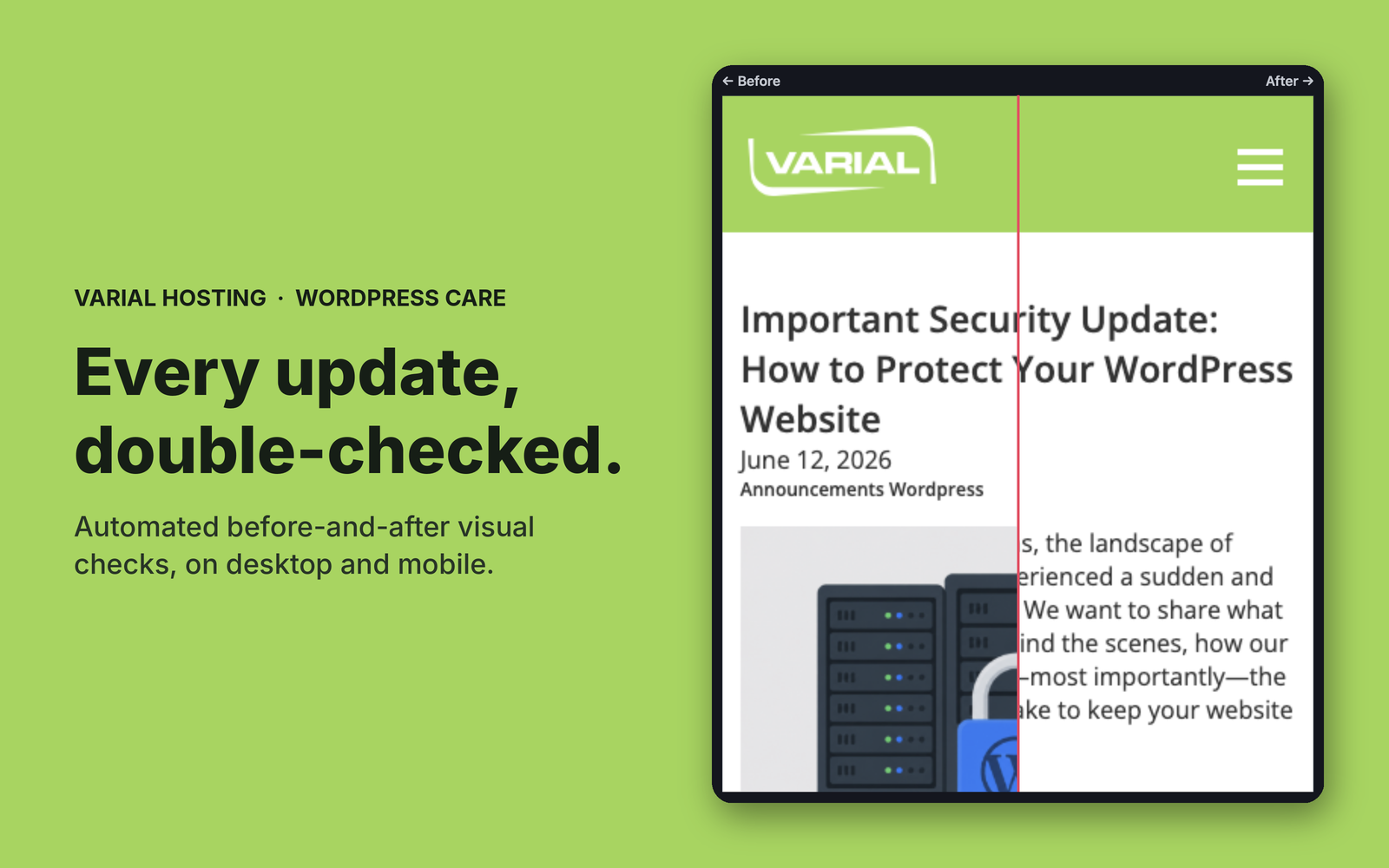
Important Security Update: How to Protect Your WordPress Website

June 12, 2026

Over the past few months, the landscape of website security has experienced a sudden and dramatic paradigm shift. We want to share what we have been facing behind the scenes, how our industry is evolving and—most importantly—the practical steps you can take to keep your website safe.

The New Reality: AI-Accelerated Exploits

Historically, website security operated at a predictable pace. A critical vulnerability might surface once or twice a year, giving website owners and system administrators plenty of time to review change logs, assess threats and schedule a convenient patch window.

That era is officially over.

As detailed in our recent blog post, Securing Your Websites Against 0-Day Threats, we have faced a rapid, continuous barrage of critical zero-day threats occurring weekly, and at times even daily.

This shift is being driven by the maturation of advanced AI tools. Both security researchers and malicious actors are now using AI to audit source code at lightning speed.

  • The Good: Defenders can find deep, systemic flaws that went unnoticed by human eyes for years.
  • The Bad: The moment a patch or a public disclosure is released, automated tools can instantly reverse-engineer it to find the exploit.

As a result, vulnerabilities are being actively exploited in the wild mere hours after public disclosure. The traditional concept of “scheduling a patch window next week” is no longer viable. Maintaining security now requires constant, immediate attention.

Looking Ahead: The Next 3 to 12 Months

Our security vendors have declared that we are in the middle of a permanent industry shift. Experts project that this rapid pace of vulnerability discoveries will persist aggressively for the next 3 to 6 months, with an elevated threat environment remaining for the next 1 to 2 years as AI tools continue to improve.

Continuous, automated updating is the new standard for web safety.

Why Keeping Your WordPress Software Current Matters

Because the vast majority of our customers run on WordPress, it’s vital to understand how this impacts your daily operations.

The #1 cause of website compromises is failing to keep website software up to date.

WordPress plugins are highly targeted by attackers using AI tools to find hidden flaws. A prime example occurred recently with UpdraftPlus, a massive backup plugin with millions of installations. A critical vulnerability was discovered that allowed for full website compromise if left unpatched.

When your site runs outdated plugins, it is only a matter of time before automated scripts locate the vulnerability.

Server-Level Defence vs. Core Patching

To help counter these threats, all Varial Hosting plans include an AI-driven, proactive firewall designed to help intercept malicious traffic and mitigate many zero-day exploits in real time. Powered by our Imunify360 security suite, its malware protection also adds an extra layer of defence by working to automatically detect and quarantine known malicious code before it can cause damage to your site.

While these server-level features are must-have modern security tools, patching vulnerable application code directly remains the single best defence against exploits.

3 Ways to Keep Your WordPress Site Up to Date

To protect your business and reputation, you need an update strategy that fits your workflow. We provide three distinct paths to handle this on our platform:

1. Manual Updates via WP-Admin (Self-Managed)

You can log directly into your WordPress wp-admin dashboard regularly to manually update your WordPress core, plugins and themes. Because of the accelerated timeline of modern attacks, you should frequently check for and apply updates to ensure you aren’t left exposed to active exploits.

2. Automated or Manual Updates via Installatron in cPanel (Recommended)

You can utilize the Installatron tool located inside your cPanel control panel. Installatron offers a massive safety net: it automatically takes a complete backup of your website before performing any update, allowing you to easily roll back with a single click if there are any issues.

  • WordPress Core (Our Default): By default, Installatron is set to automatically update your core WordPress software. Core releases are heavily tested and rarely introduce bugs.
  • Plugins and Themes (Optional): Automatic updates for plugins and themes are optional and turned off by default. Because anyone can write a plugin, they may not be as thoroughly tested and could occasionally introduce conflicts or functionality changes that could negatively impact your website. If you choose to enable automatic updates for plugins and themes, we highly recommend reviewing your website after receiving an update notification to ensure everything is working properly.

3. WordPress Care & Maintenance Plan (Fully Managed)

For businesses and organizations that want total peace of mind without the hassle, our fully managed WordPress Care & Maintenance Plan is available.

With this plan, our team handles the entire process for you. We don’t just blindly update your site; we deploy and test all updates in a private staging environment first to ensure there are no conflicts or layout issues before safely pushing them live. This allows you to focus 100% on running your business while we ensure your website remains locked down.

The security landscape has changed permanently, but by shifting to a proactive, continuous update mindset, you can keep your data and websites secure.

If you would like to enrol in our Care & Maintenance plan, or need help configuring Installatron for automated backups and updates, please contact us or open a ticket with our support team.

cPanel Upgraded to v134 Across All Servers

May 5, 2026

cPanel Logo

We are excited to announce that all Varial Hosting servers have been upgraded to the latest version of cPanel (v134). This update brings several new tools to help you manage your website and email more easily.

Here are the most helpful changes for you:

Easier Website Testing & Management

  • Temporary Domain Names: Ever wanted to start building your website before your domain name was officially registered or moved to us? You can now create a temporary domain to preview and test your site during development.
  • Simplified Security: We’ve combined several security pages into one Unified SSL/TLS interface. This makes it much easier to see if your website’s “padlock” icon is active and up to date.
  • Centralized Settings: You can now manage your account password, contact info and language preferences from one single location in cPanel, saving you from clicking through multiple menus.

Better Email Experience

  • Webmail Filtering: You can now create and manage email filters (rules that automatically move or delete certain emails) directly inside Webmail. You no longer need to log into the main cPanel dashboard to organize your inbox.
  • Enhanced Mail Security: We’ve upgraded our mail server software to improve performance. For your protection, this version requires stronger password security. If you haven’t changed your email password in many years, you may be prompted to update it to a more secure one.

Behind-the-Scenes Improvements

  • Faster Performance: With upgrades to Perl and better support for modern operating systems, your hosting environment is now faster, more stable and better equipped to run the latest web applications.

Securing Your Websites Against 0-Day Threats: How Varial Hosting Responded to This Week’s Critical Security Vulnerabilities

May 1, 2026

Securing Your Websites Against 0-Day Threats

TLDR; Our servers are fully patched against this week’s high-profile cPanel (CVE-2026-41940) and “Copy Fail” Linux (CVE-2026-31431) security threats. No action is required on your part; our team has already handled these updates for you.

This week was a busy one for our security team.

Rapid Response to the cPanel Authentication Vulnerability

On Tuesday, April 28th, a critical vulnerability was identified in cPanel (CVE-2026-41940). This flaw was particularly serious because it allowed for an “authentication bypass”—essentially meaning an attacker could gain administrative access to a server without needing a password.

Because we stay active in core industry security circles, we were alerted to this risk early. Following best practices, we took the proactive step of temporarily restricting access to cPanel, WHM and Webmail. This “closed the door” while we waited for the official software patch to be finalized.

Once the patch was released that afternoon, our team tested and deployed it across our entire network immediately—finishing the work many hours before standard nightly maintenance would have even begun.

By the time cPanel’s official email alert reached most server owners the following day, the digital landscape was already seeing a massive spike in exploit attempts. We are pleased to report that because of our team’s early intervention, Varial Hosting servers were fully secured before these global attacks even began.

Protecting Server Integrity Against the “Copy Fail” Threat

The very next day, Wednesday, April 29th, a second global threat emerged.

A vulnerability nicknamed “Copy Fail” (CVE-2026-31431) was discovered, affecting almost all Linux-based systems worldwide. This flaw could allow a low-level user to “escalate” their permissions to gain total control of a server.

Because the primary risk involved secure shell (SSH) access, we took the immediate precaution of temporarily disabling customer SSH and implementing early defenses while waiting for an official fix from our OS vendors.

When it became clear that a final patch would take some time to arrive, we decided not to wait. We implemented a “kernel-level” mitigation—a deep-system fix that required a full server reboot to activate.

Prioritizing Security Over Uptime

While we take pride in our ability to perform “rebootless” updates (some of our servers hadn’t needed a restart in over two years!), the emerging risk was too high to ignore. Security experts warned that hackers might try to use outdated or compromised WordPress sites as a “back door” to trigger this exploit. To ensure your data remained 100% isolated and secure, we performed a controlled reboot across our fleet last night.

As of this morning, we are happy to confirm that all servers are now running the fully patched kernel, and this vulnerability is closed.

Our Commitment to Your Security

At Varial Hosting, we know that you count on us to manage the complex world of server security so you don’t have to. While “0-day” threats like these make headlines, they are a routine part of our workday. Our team remains vigilant, monitoring global threat feeds 24/7 and testing patches before they are even officially announced to the general public.

We take these proactive steps to ensure that your business remains online and your data remains private, without you ever having to lift a finger.

Questions?

If you have any questions about these updates or our security protocols, our support team is always here to help. Feel free to open a support ticket or reach out to us directly.